Hero 5.0 (New!)
Hero 5 is a premium responsive hero/banner component designed for modern websites, landing pages, campaigns, member platforms and association websites.
Unlike traditional hero banners, Hero 5 is built around:
- responsive storytelling
- brand-safe layouts
- atmospheric composition
- dynamic theming
- mobile-first rendering
- future-proof styling
Hero 5 uses the same content structure as Hero 4, meaning existing Hero 4 content can be upgraded safely without rebuilding pages.
What Hero 5 Is Great For
Hero 5 is ideal for:
- Association websites
- Healthcare organisations
- Government websites
- Membership platforms
- Education providers
- Non-profits
- Events and campaigns
- Corporate landing pages
- Video-first branding
- Premium editorial layouts
Hero 5 focuses on:
- readability
- calm visual hierarchy
- strong typography
- atmospheric imagery
- emotionally soft layouts
The goal is to help non-designers create high-quality hero sections safely.
Responsive Design
Hero 5 is fully responsive and automatically adapts layouts for:
- desktop
- tablet
- mobile
The component intelligently handles:
- image cropping
- text positioning
- video rendering
- atmosphere overlays
- spacing
- wave sizing
without requiring separate mobile layouts.
Media Options
Hero 5 supports:
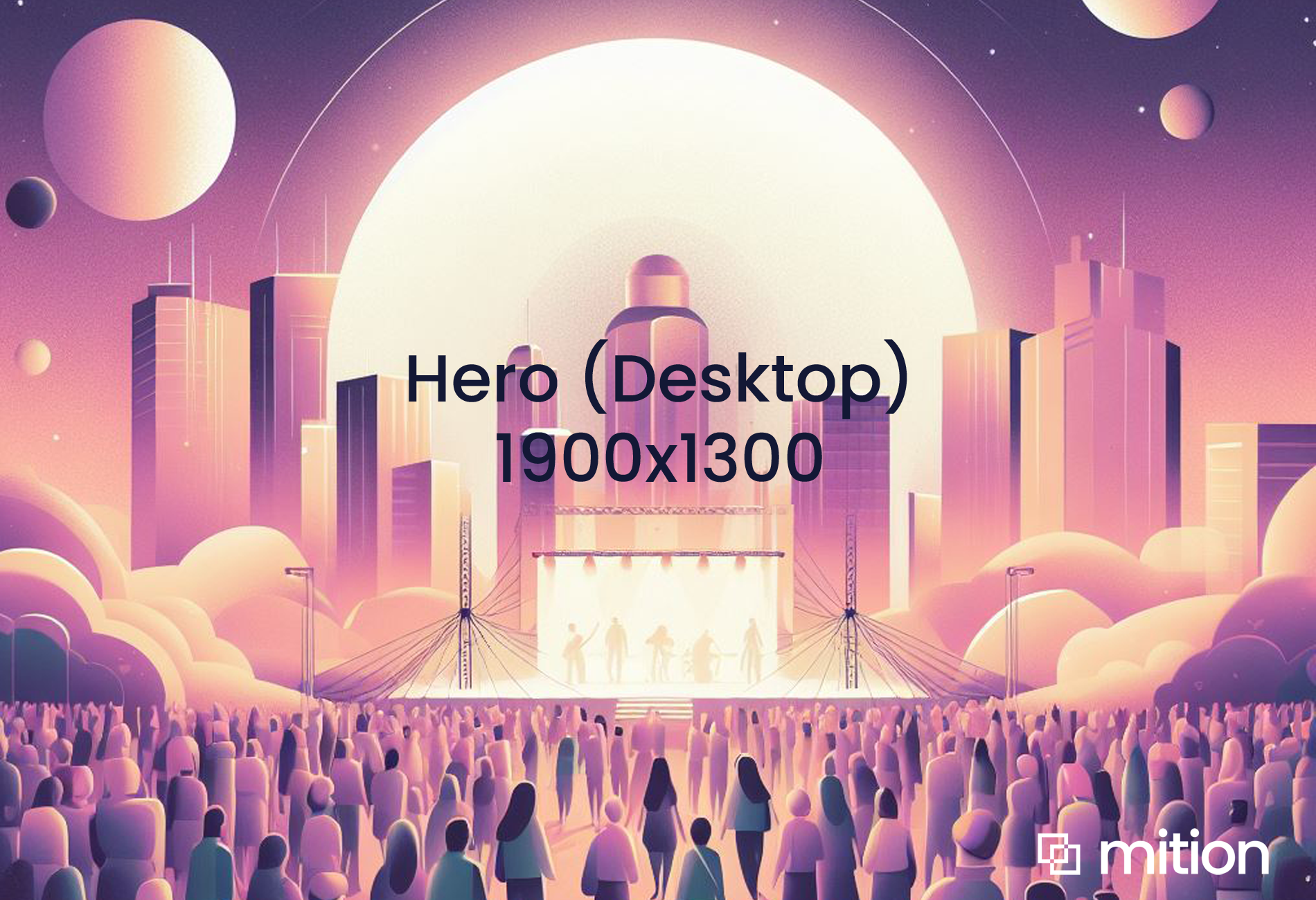
- desktop images
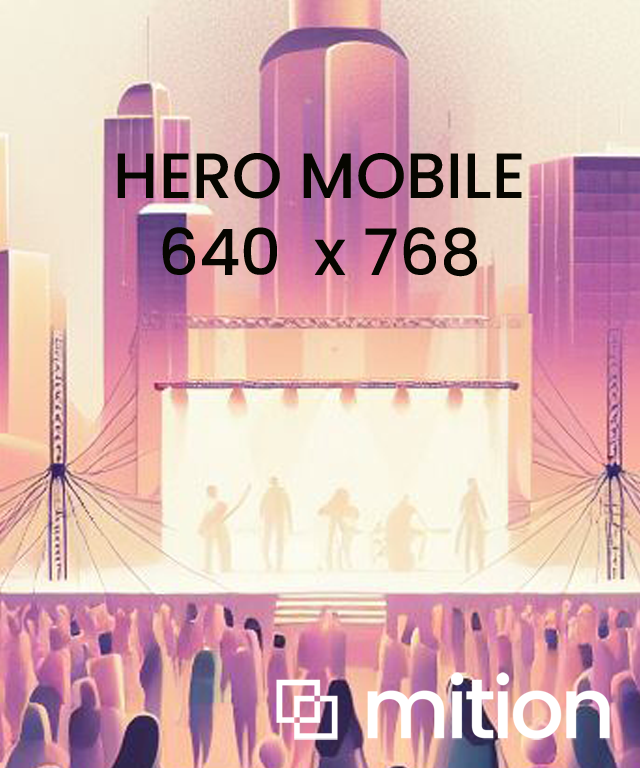
- mobile images
- background video
- atmospheric overlays
Option 1 — Single Image For All Devices
Upload only:
- Desktop Background Image
Hero 5 will automatically:
- reuse the desktop image for mobile
- crop intelligently
- preserve layout quality
Best for:
- simple websites
- campaigns
- fast setup
Option 2 — Separate Desktop + Mobile Images
Upload:
- Desktop Background Image
- Mobile Background Image
Hero 5 will:
- use the desktop image on large screens
- use the mobile image on smaller screens
Best for:
- portrait mobile photography
- different focal points
- mobile-first campaigns
Recommended mobile size:
640x768Option 3 — Background Video
Upload:
- Background Video
Hero 5 supports:
- MP4
- looping video
- autoplay
- muted playback
- responsive scaling
Video works across:
- desktop
- mobile
If a mobile image is uploaded:
- mobile devices use the image instead of video
If no mobile image is uploaded:
- video automatically displays on mobile
This helps balance:
- performance
- battery usage
- visual quality
Hero 5 Fields
Field
Purpose
Field1
Desktop Background Image
Field2
Mobile Background Image
Field3
Background Video
Field4
Title
Field5
Description
Field6
Button Text
Field7
Link URL
Field8
Optional HTML Content
Custom Styles
Hero 5 integrates with the Mition Custom Style system.
This allows:
- colours
- gradients
- typography
- buttons
- atmosphere layers
- backgrounds
to change dynamically without modifying the component itself.
Background Colour
The Background Colour controls:
- hero base colour
- wave colour
- lower transition colour
The wave automatically inherits the background colour.
This ensures:
- seamless transitions
- brand consistency
- cleaner page blending
Foreground Colour
The Foreground Colour controls:
- atmospheric overlays
- cinematic fades
- gradient masks
- mood layers
This is the soft visual layer sitting between:
- media
- content
Foreground colours can use:
- solid colours
- gradients
- background images
Button Styling
Custom Styles can dynamically control:
- button background
- button border
- button text colour
Buttons automatically inherit brand styling safely.
Typography Styling
Custom Styles support:
- heading colours
- body colours
- header fonts
- body fonts
Hero 5 automatically applies these to:
- titles
- descriptions
- optional HTML content
Custom Classes
Hero 5 supports compositional utility classes.
These classes are applied to:
.WebpageComponentExample:
<div class="WebpageComponent text-centre hideWave">
These classes allow layouts to evolve without changing the component itself.
text-left
(Default)
- Left aligned content
- Left atmospheric fade
- Editorial layout feel
text-lefttext-centre
- Center aligned content
- Radial atmosphere fade
- Campaign / cinematic layout
text-centreAlias supported:
text-centertext-right
- Right aligned content
- Right atmospheric fade
- Alternative visual composition
text-rightVisual Utility Classes
hideWave
Removes the bottom wave transition.
Best for:
- hard section edges
- full-screen layouts
- modern minimal designs
hideWavehideAtmosphere
Removes the atmospheric overlay layer.
Best for:
- darker media
- cleaner photography
- sharper visual styles
hideAtmosphereCombining Classes
Classes can be combined together.
Example:
<div class="


  WebpageComponent


    text-centre


    hideWave


">
This creates:
- centered content
- centered atmospheric composition
- no wave divider
Design Philosophy
Hero 5 is designed around:
- structured freedom
- safe composition
- emotionally calm layouts
- premium responsive design
The component is intentionally opinionated to help maintain:
- readability
- spacing
- contrast
- hierarchy
- mobile quality
even when used by non-designers.
Future Expansion
Hero 5 is designed to support future compositional utilities such as:
- cinematic layouts
- dark mode variants
- media focal positioning
- glass effects
- editorial styles
- AI-assisted composition
without requiring schema changes or content migration.
Welcome to Hero 5.0
This is the Hero 5.0 light text area built in. Set class "container" to keep this one within the container.
Welcome to Hero 5.0
This is the Hero 5.0 light text area built in. Custom theme. Custom class "text-right" engages the text right option.


Image
Add URL (optional), if a URL is provided and the user clicks on the image, it will navigate to that page, if no URL is provided it will zooom in on the image instead. The image and most of the web components for image card / icon card have the abilit...
Read MoreThis webpage was built with Mition