Hero (3.0)
This is a new and improved variation on Hero 2.0.
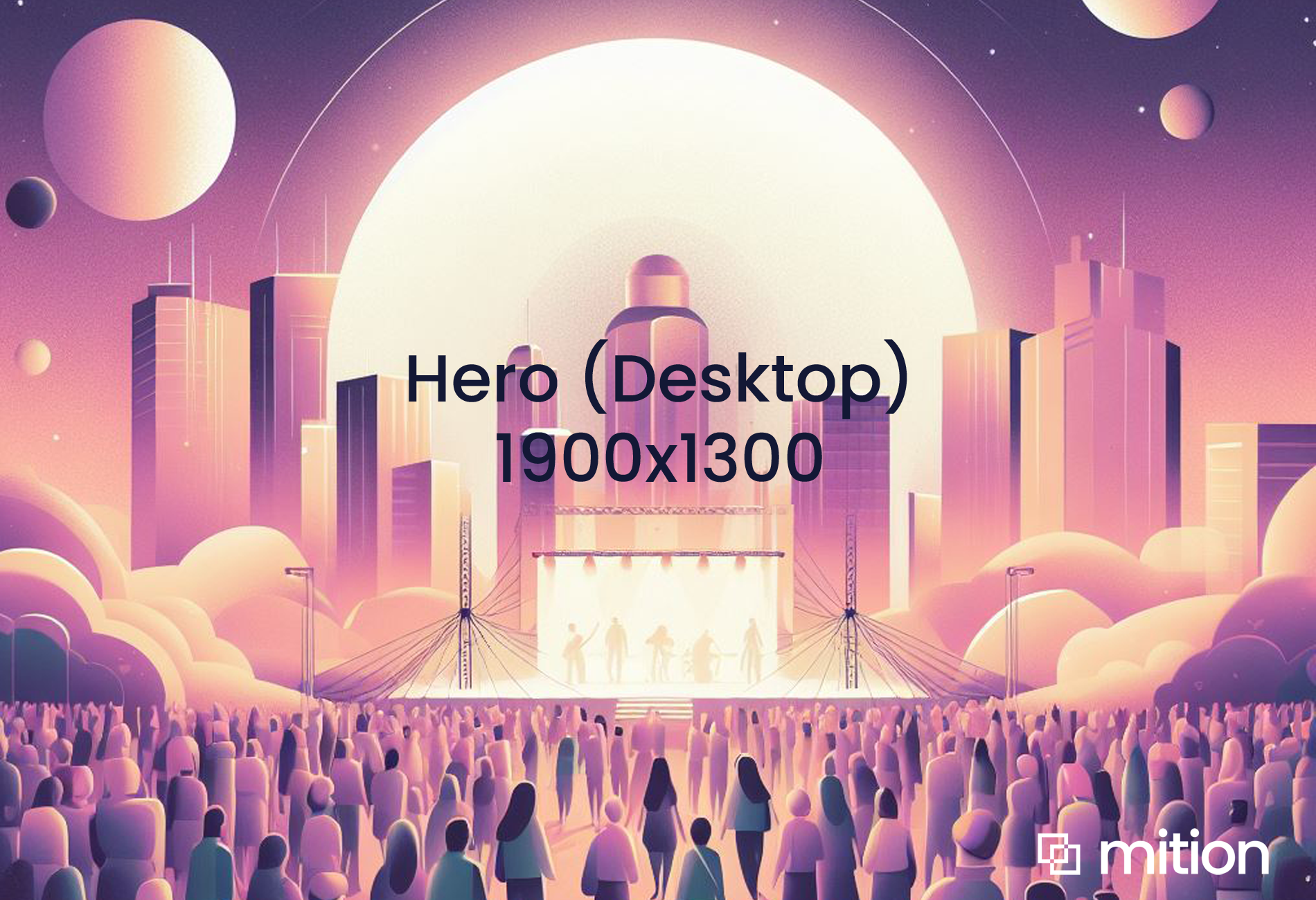
The standard size for a desktop image : 1900 x 1300 pixels
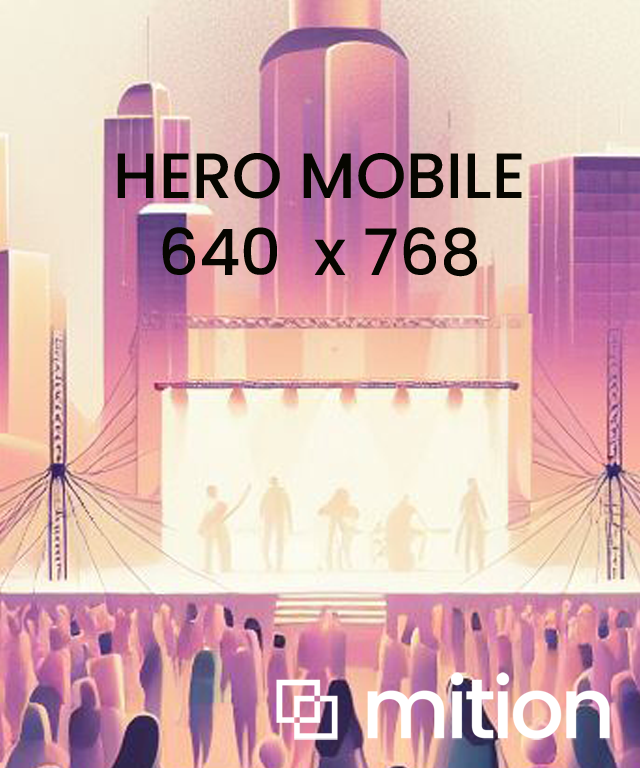
Mobile image (optional) : 640 x 748 pixels
OR Video : Add an MP4 video for a video background.
Key Features
- This iteration of the Hero has the ability to your own Custom Class and target an Overlay e.g. here used is "
OverlaySample".
The overlay is dorment, but using a custom Style to target that overlay you can apply unique styles. This is useful for enhancing text readability, adding visual effects, or creating a dramatic background. Add single custom CSS file to the whole site using Style Settings (in Admin Settings) and target custom classes like this on any element or page. For Overlay on Hero 3 - use something like the style below.
- The text for Hero 3.0 is centred, rather than appearing on the LEFT. With Hero 2.0 you can do this also by adding Custom Class "
Centre"
Hero 3.0 Layout Variations
These optional classes are applied via the Custom Class field when editing the Hero 3.0 component.
🎯 hero-layout-split-left
Description: Positions the caption block on the left side of the hero background.
Text is aligned left.
On mobile devices, this class has no effect — caption falls back to standard Hero 3.0 centered layout.
Use case: For marketing or event landing pages where you want text left, visual focus right.
🎯 hero-layout-split-right
Description: Positions the caption block on the right side of the hero background.
Use case: For alternating hero sections or when you want visual left, text right.
Animation
In the Description field of a Hero 3.0 if you put two .. (two full stops) this triggers auto typing code.
In the Description field of a Hero 3.0 if you put two .. (two full stops) this triggers auto typing code.
.OverlaySample {
    .Overlay {
        background-color: transparent !important;
        background-image: linear-gradient(-45deg, rgb(19, 24, 53) 0%, rgb(58, 147, 224) 100%) !important;
        z-index: 2;
        position: absolute;
        top: 0;
        left: 0;
        width: 100%;
        height: 100%;
        opacity: 0.8;
    }
}
Hero (3.0) with video
Add an MP4 video for a video background.
Optionally use Title, Description, Button Links / Text and HTML here too.
Use Custom Class pt-5 when using this one not as the top element as it naturally wants to fit under the menu banner on desktop. If you have a transparent menu background this video or image is more predominant.
Hero 4.0
This is a new variation for Hero's that feature a dark overlay built in to make text easy to read regardless of the background image. Purpose: Responsive hero banner with built-in overlay for text contrast. Add a new Hero 4. 0 block from the web comp...
Read MoreThis webpage was built with Mition