Transfer a Subscription
Knowledge Base > Subscriptions >Transfer a subscription
There are several valid reasons why someone may want to transfer a subscription to another person. This feature transfers a whole Subscription to another user and caters for any invoices and roles at the same time.
In many cases, a transfer allows continuity of service without interruption, particularly when ownership, responsibilities, or circumstances change.
For example, a customer may sell a business, have change in relationship or no longer require the service while another party still wishes to use it. Transferring the subscription can help preserve existing pricing or contract terms, and ensure that account history, settings, or benefits remain active.
A transfer of subscription may also be required if the subscription was placed onto the incorrect member/user.
Overall, subscription transfers provide flexibility and convenience while helping both parties maintain uninterrupted access to the service.
How to Transfer Subscriptions to another user/member
- Search the User you want to move the subscription from.
- In their user Summary navigate to Membership >Subscriptions
- Select the Subscription you wish to transfer (double click /click view).
- Click Transfer to Someone.
- Click Done.
- Search for the User/member to transfer to.
- Select Invoicing option
- Click Transfer to Someone else.
- Then click Confirm and then OK.
Transferring Head member
Your organisation may have family subscriptions set up.
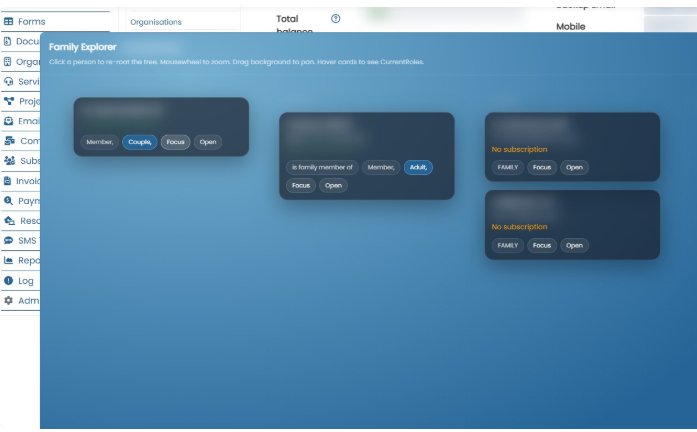
These subscriptions can also be transferred from one Head member to another, allowing a different member to become the new 'Head of the family' subscription while keeping the existing family members and subscription details intact.
Important
Memberships are linked to user roles, so it is important to check the user/member profile after transferring or updating a membership.
Make sure the member has the correct roles assigned, as these roles control their permissions, access levels, and any membership-related features within the organisation.
Fixed Term Renewals
To create a fixed term subscription, the only difference is the information you put in the Fixed Term Price record. To fix this the organisation needs to ensure:. For term prices with fixed start and end dates, they can have the next subscription dat...
Read MoreThis webpage was built with Mition