In the Event Advanced Settings, create custom fields which request information for each attendee (for each ticket including a ticket purchases guests).
Often used for requesting information such as dietary requirements or preferences, if they will be attending a lunch or dinner that is included in the ticket.
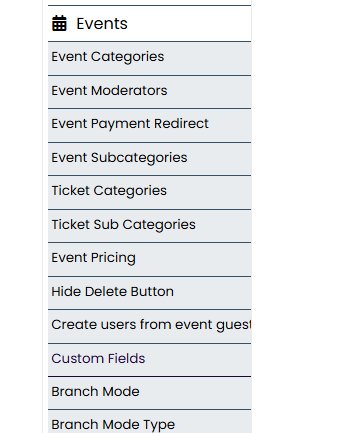
To create a set of Custom Fields, go to Admin Settings > Events > Custom fields. Create a set such as "Conference" or "Team Meeting" re-use these custom fields later for other events.
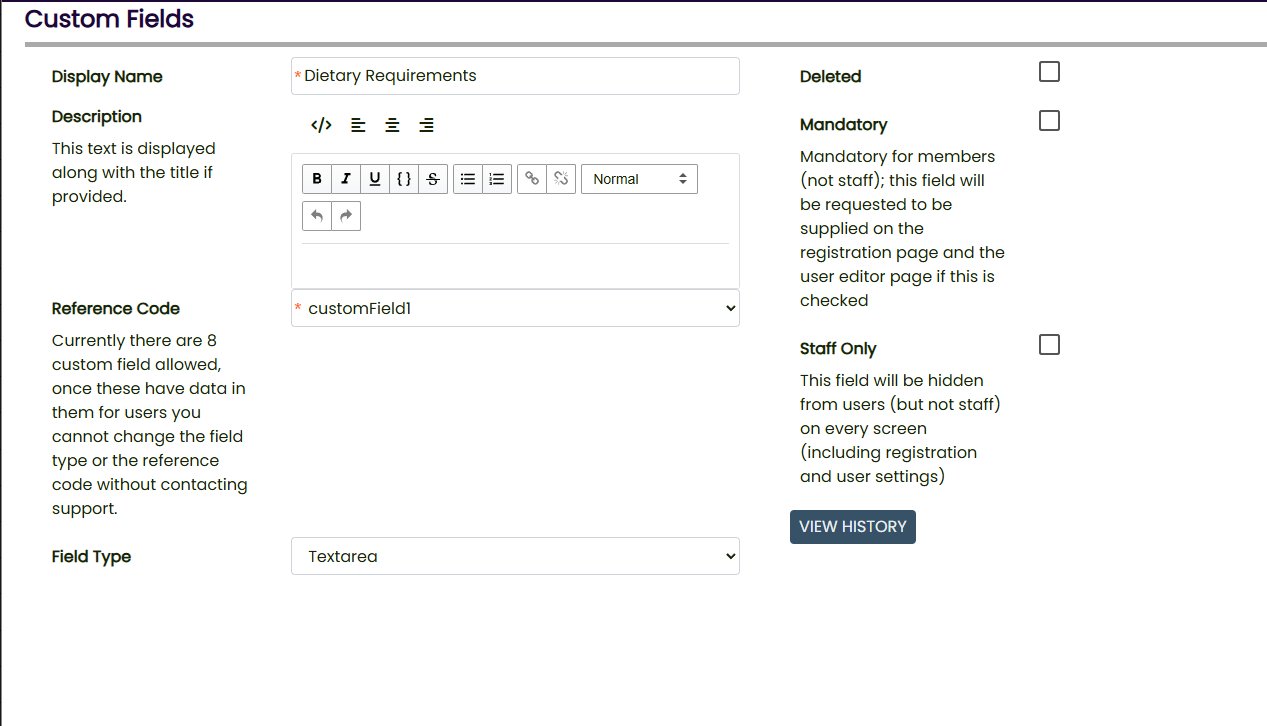
Field types include textbox, text area, dropdown, dropdown multi, number, date, accept terms.
Staff can see these fields and values in the Attendee reports.
You can use Mandatory to ensure every ticket has a value for a field, or leave it unchecked to make it optional.

This webpage was built with Mition