Enabling or Disabling (Publish or Unpublish) a Web Component
Knowledge Base | Webpages | Enabling or Disabling a Web Component
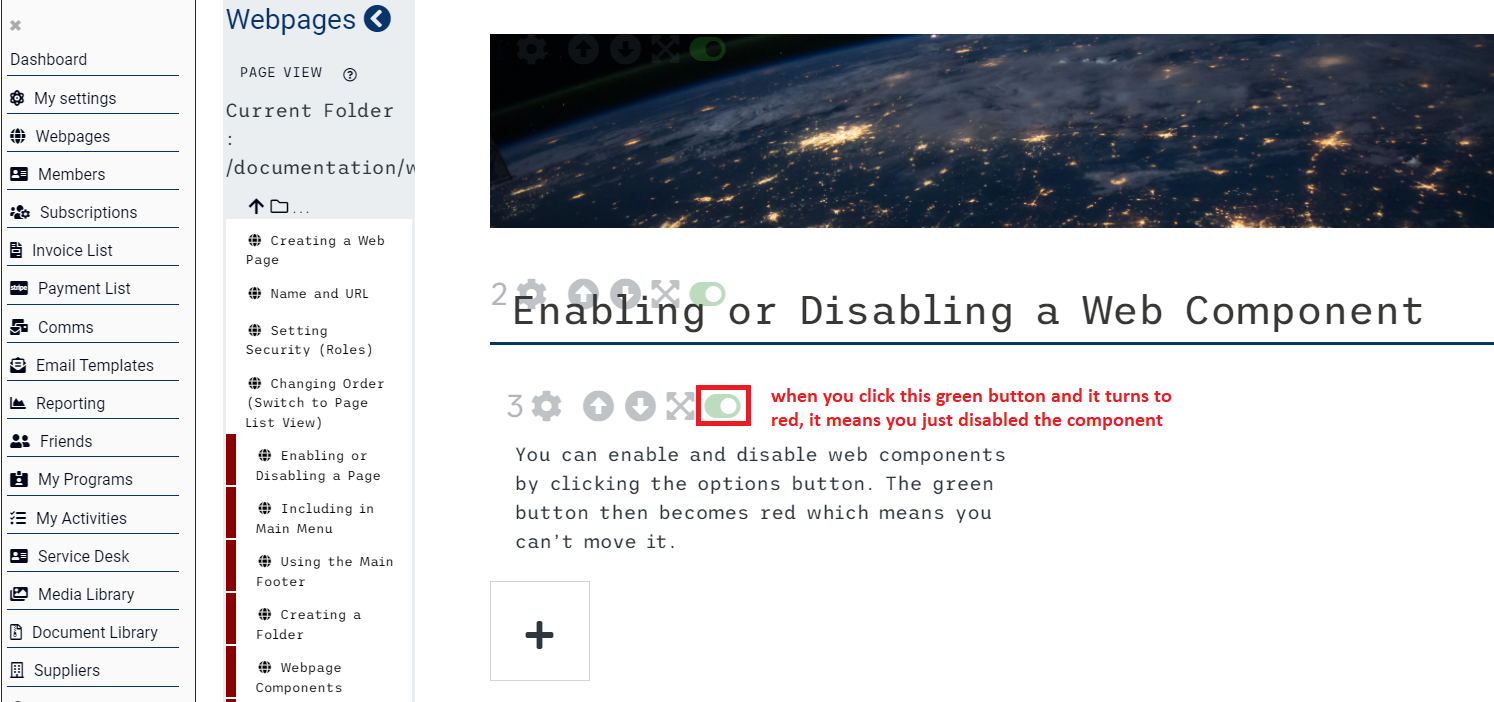
The Enable/Disable function for a web component allows you to control which information is visible to your audience at any given time. You can enable or disable a web component by clicking the Publish/Unpublish toggle. When a component is enabled, the toggle is green, indicating that it is visible on your website. When the component is disabled, the toggle turns red, indicating that it is hidden from your audience.
Disabling a web component also allows you to safely update or modify its content without those changes being displayed in real time on your website. Once you have finished making your updates, simply enable the component again to make the latest version visible to your audience.