Member Search- Bulk Edit
Knowledge Base > Members > Member Search- Bulk Edit
When you’re bulk editing users, the system remembers the last screen you opened. This small change makes a big difference in reducing clicks and speeding up reviews, allowing administrators to stay focused on the same area of information across multiple users. Instead of constantly navigating back to the relevant section, you can move seamlessly from one user to the next, making the entire process smoother and far more efficient.
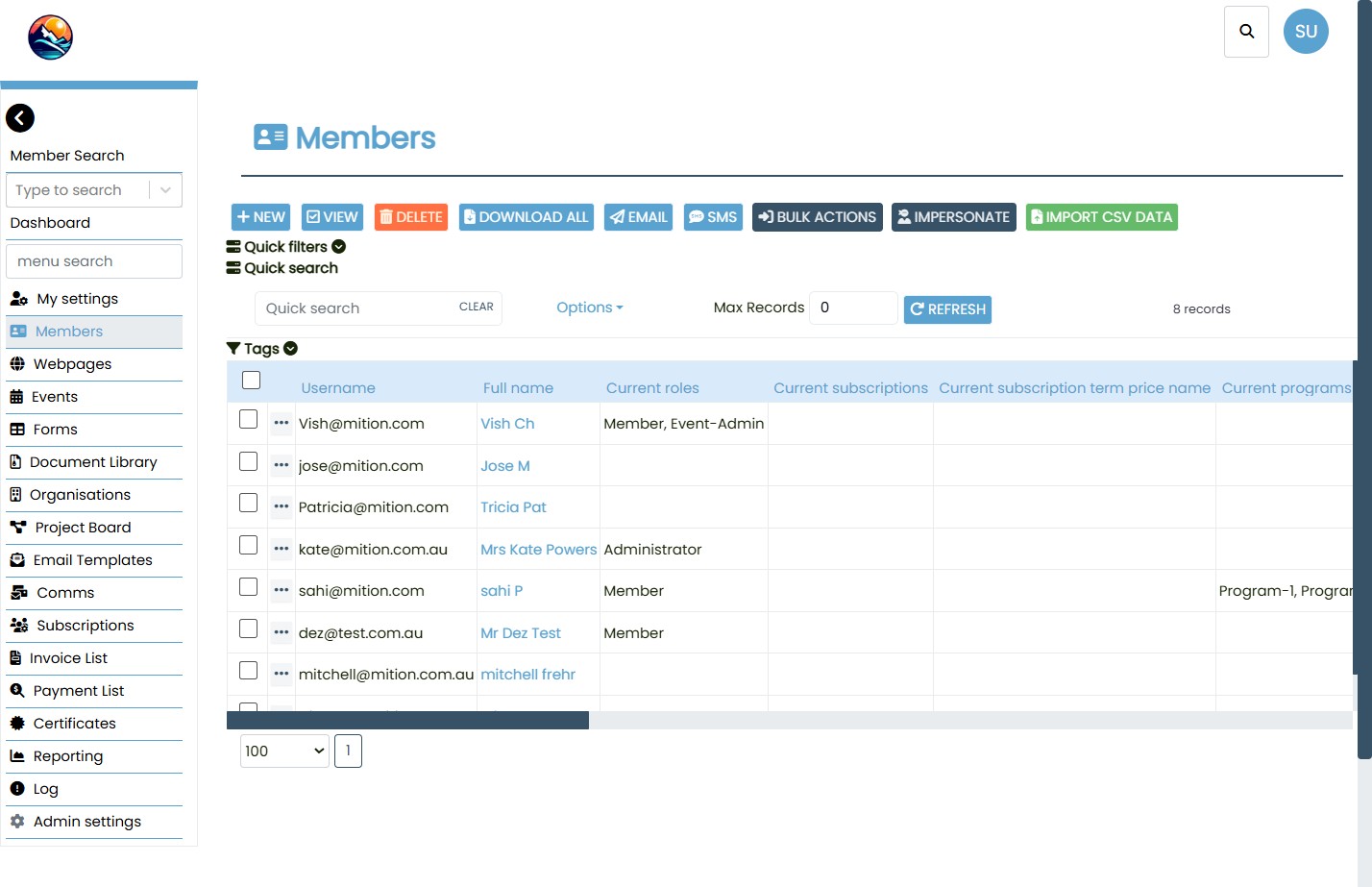
When administrators select multiple users from Member Search and begin reviewing them, the system now remembers the last screen that was opened. For example, if the administrator navigates to the Subscriptions screen for the first user, the same screen will automatically open for each subsequent user in the selection.
This behaviour applies only when more than one user is selected in Member Search. For single‑user edits, the system continues to open the default user view.
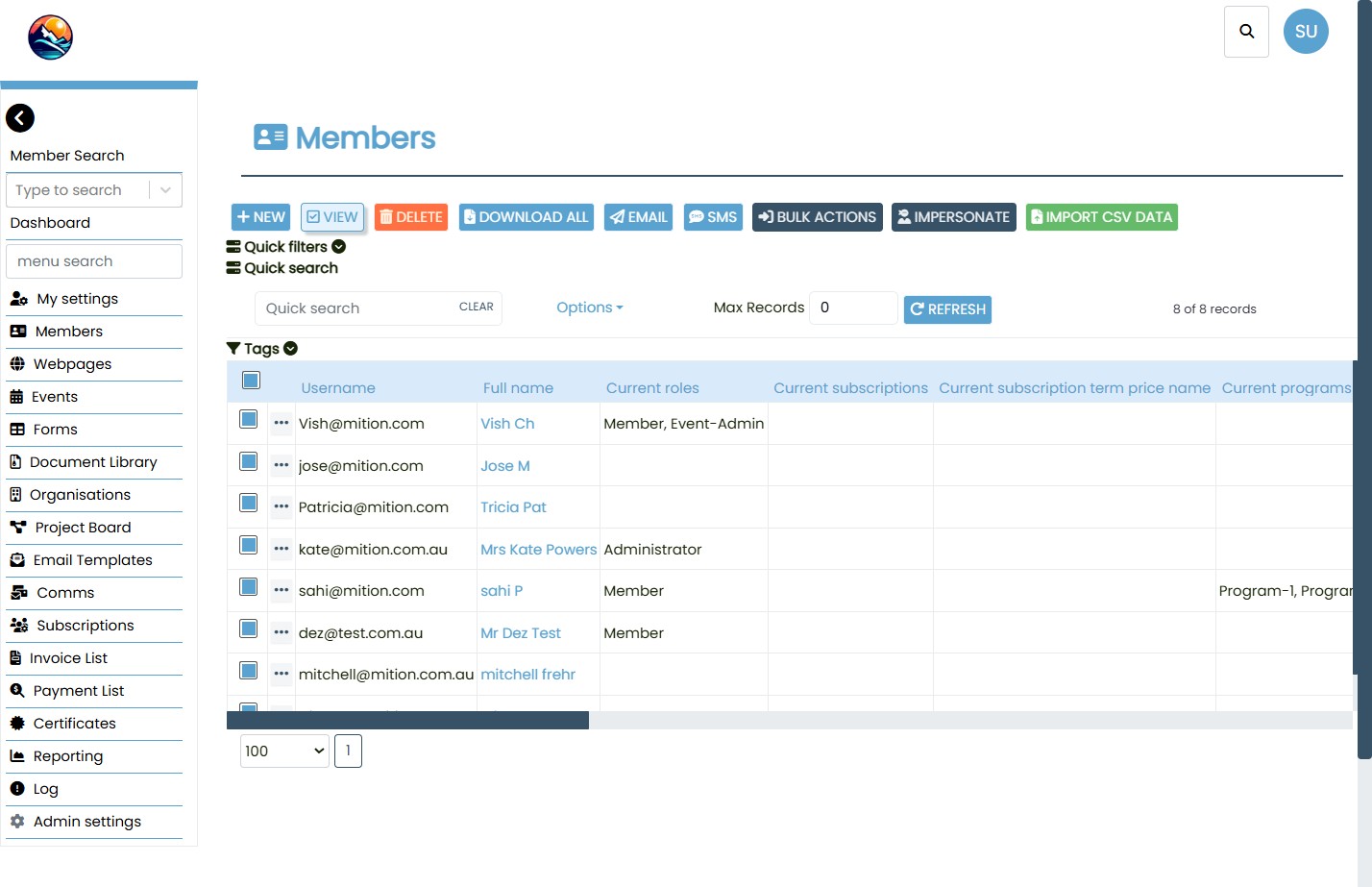
When multiple users are selected in Member Search and the View option is used, the administrator can open a specific screen for the first user. As they click Next to move through the selected users, the system automatically displays the same screen for each user.
This ensures that administrators can focus on the same area of information across all selected users without needing to repeatedly navigate back to it.

From the administrator’s perspective, bulk editing is now more intuitive and less repetitive. The system automatically remembers the last screen viewed, allowing administrators to focus on the task at hand without unnecessary interruptions.
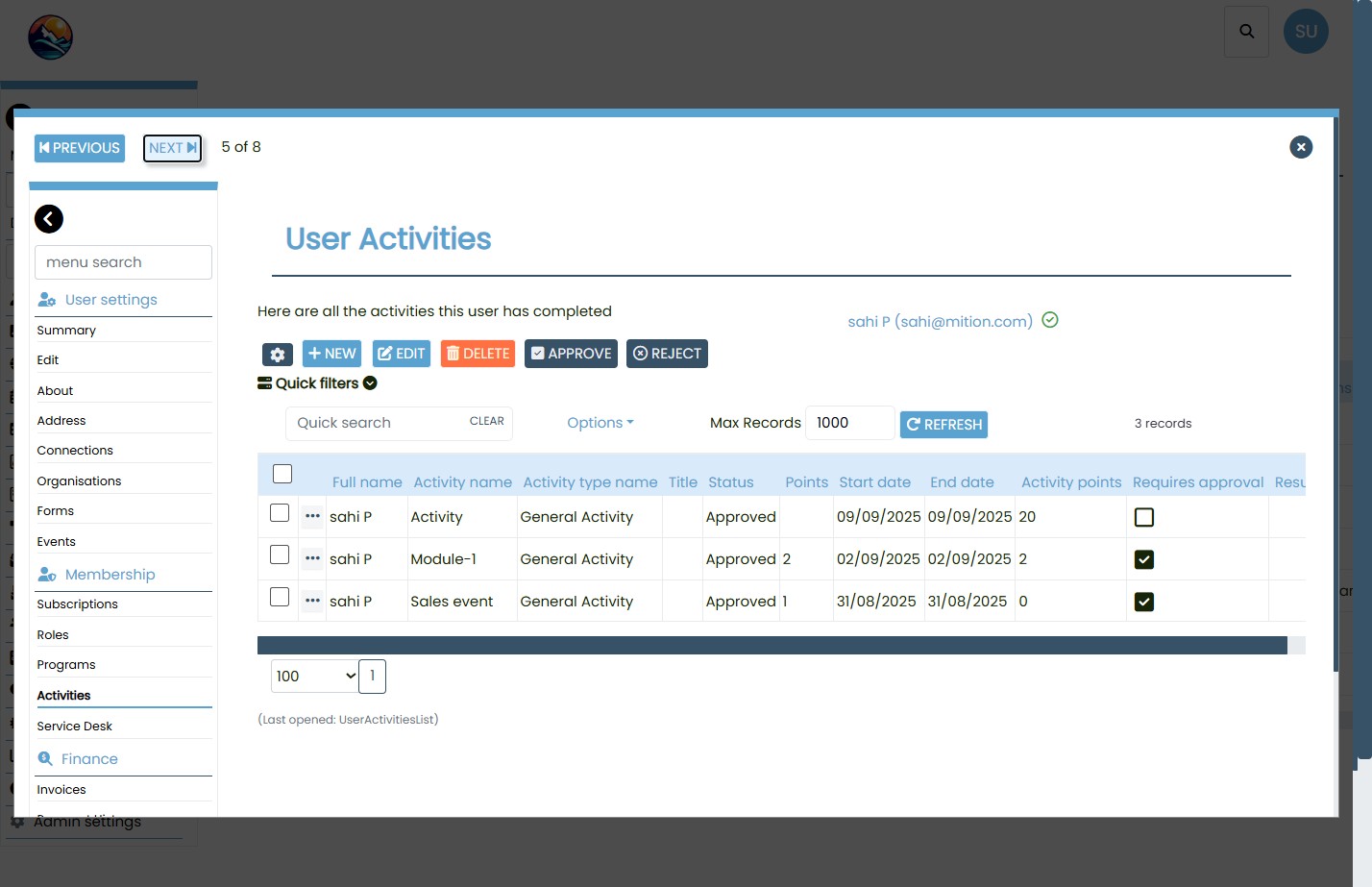
This enhancement provides a more streamlined and user‑friendly experience for administrators. By remembering the last screen viewed during bulk edits, the system saves time, reduces repetitive navigation, and improves productivity when managing multiple users. The functionality is scoped specifically to bulk operations in Member Search, ensuring that it enhances group workflows without altering the behaviour of single‑user edits.
Bulk Edit: When and Why to Use It
Bulk editing in Mition is a powerful tool that helps administrators manage multiple users efficiently. Here are key scenarios where bulk edit can save time and streamline workflows:
- Update Membership Status Quickly change the membership status (e.g., Active, Inactive, Suspended) for multiple users at once.
- Assign or Remove Tags Apply or remove tags (e.g., Volunteer, Donor, Committee Member) across a group of users to streamline segmentation.
- Modify Subscription Settings Adjust subscription preferences or plans for several members simultaneously.
- Change Access Permissions Grant or revoke access to specific modules or features for a selected group of users.
- Edit Contact Information Update shared fields like organization name, region, or department for multiple users.
- Apply Bulk Communication Preferences Set email or SMS opt-in/out preferences for a batch of users to comply with communication policies.
- Deactivate Expired Accounts Identify and deactivate accounts that have expired or are no longer in use.
This webpage was built with Mition